If your Schlage keypad lock appears dead, the culprit is most often the battery. After 30 seconds, insert a new 9-volt alkaline battery. When the keypad is lit but the bolt (the metal bar that slides into the door frame) refuses to budge, the problem usually lies with the door or bolt itself rather than the electronics, so swapping in a new battery won’t solve it.
This guide arranges the steps in a safer order than most videos. Start by determining if the keypad has no power or if the bolt is stuck. Next, you attempt the basic repairs, followed by the hardware inspections. Save the factory reset for the end, since it wipes out all your codes and might result in you being locked out.
These instructions apply to Schlage keypad deadbolts like the BE365 and Camelot. Connect, Sense, Encode connected models use four AA alkaline batteries rather than one 9-volt, which changes the battery step, yet the door checks remain applicable. Pairing and app procedures vary by model. For locks made by other manufacturers, refer to Nest Yale lock troubleshooting or SimpliSafe smart lock troubleshooting.
Tell a dead keypad from a stuck bolt
Easy · 3 minWatch what the lock does before you change anything. Make sure you’re indoors or have your key with you, so the door doesn’t lock you out during testing.
| What you see | Likely cause | Go to |
|---|---|---|
| Keypad stays dark | Battery or a loose cable | Steps 3 and 6 |
| Keypad blinks red or ignores you | Lockout or a weak battery | Steps 2 and 3 |
| Valid code rejected, or works only after a delay | Lockout or “Vacation Mode” | Steps 2 and 4 |
| Keypad lights up, code accepted, bolt won’t move | Door alignment, dirty bolt, or cam position | Step 5 |
For testing the bolt, stay indoors with the door open. Type your code. When the bolt moves out and back smoothly, the lock is working and the issue is the door or frame.
Wait 30 seconds, then try your code once
Easy · 1 minAn unresponsive keypad or one blinking red requires about 30 seconds of rest. A brief lockout is also triggered by too many incorrect codes. During this delay, a valid code might only work after a wait.
- Leave the keypad untouched for 30 seconds.
- Type your code slowly, one digit at a time, and complete the correct sequence once.
- Should the code succeed, the lock was in lockout. Ensure no one in the house is typing in an old code.
Should the keypad still not respond, proceed to the next step.
Replace the battery with a fresh 9-volt alkaline battery
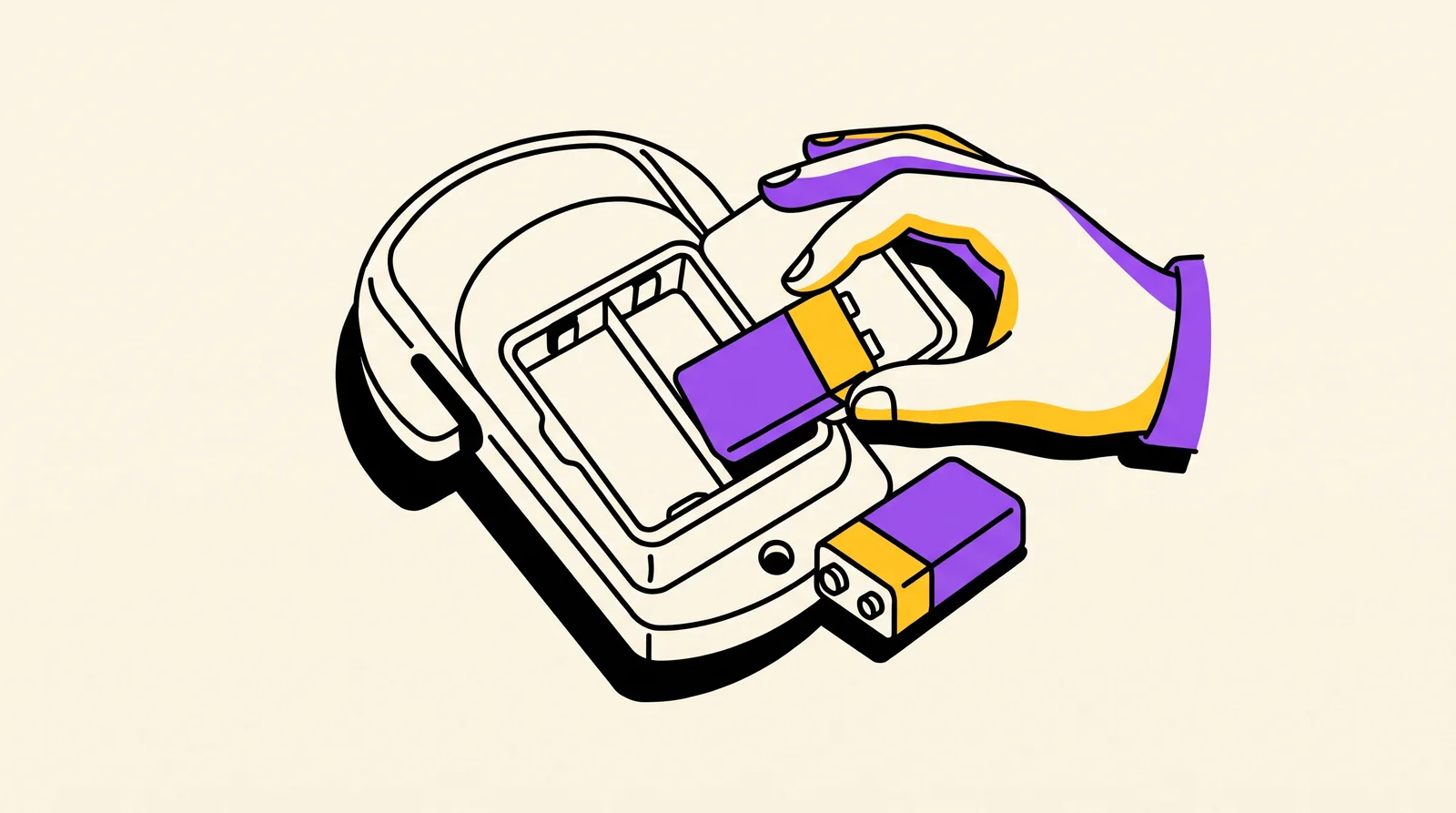
Easy · 5 minThe most likely cause is a weak battery. You need to be inside to access the battery compartment, which is located on the door’s interior. Schlage’s page, how to change the battery on Schlage keypad and touch locks (new tab), indicates the cover location on your model.
- Take off the lock’s interior cover.
- Remove the old battery.
- Install a new 9-volt alkaline battery.
- Put the cover back on and test the keypad while the door is open.
Never use generic or rechargeable batteries. They might not supply sufficient power.
Check for Vacation Mode, lock override and programming mode
Intermediate · 5 minCertain settings intentionally block your codes, making the lock seem broken even though it is not.
- “Vacation Mode”: even a valid user code won’t open the door. Disable it by entering your programming code and following the steps in the Programming Guide included with the lock.
- Stuck in programming mode: hit the “Schlage” button to leave programming mode.
- “Lock override”: on a BE365 or Keypad Deadbolt, this setting fully turns off the keypad, meaning only the key can unlock the door. It’s covered in the user guide included with the lock.
If the Programming Guide is lost, check the back of the keypad for the default codes. Jot them down now. They are necessary should you get to the reset step.
Free a binding bolt
Intermediate · 15 minWhen the keypad takes your code and you hear or see the lock attempt to operate but the bolt fails to move smoothly, the bolt is rubbing. Usually, the cause is a door or frame that is out of alignment, or a bolt and strike plate (the metal plate on the frame) that are dirty.
- While the door is open, use a dry cloth to clean the bolt and strike plate.
- Put some dry graphite lubricant on the bolt.
- Shut the door and observe where the bolt aligns with the hole. Should it strike the edge, snug up the screws on the hinge and the strike plate. A slack hinge makes the door droop.
- Rotate the thumb turn (the interior knob) manually. If the door is hard to turn when closed but turns easily when open, the alignment is the cause.
Never hit the lock with a hammer or force it. If the bolt turns freely by hand when the door is open, yet the lock still refuses to throw it and the “Schlage” button flashes green. The internal cam might then be in the incorrect position. Cease immediately and reach out to Schlage.
Reseat the keypad cable and clean the battery contacts
Advanced · 15 minThis step removes the battery, so the keypad won’t function while you’re doing it. Remain indoors, leave the door open, or hold your key ready. Your door won’t have code protection until this is complete.
- Take out the battery.
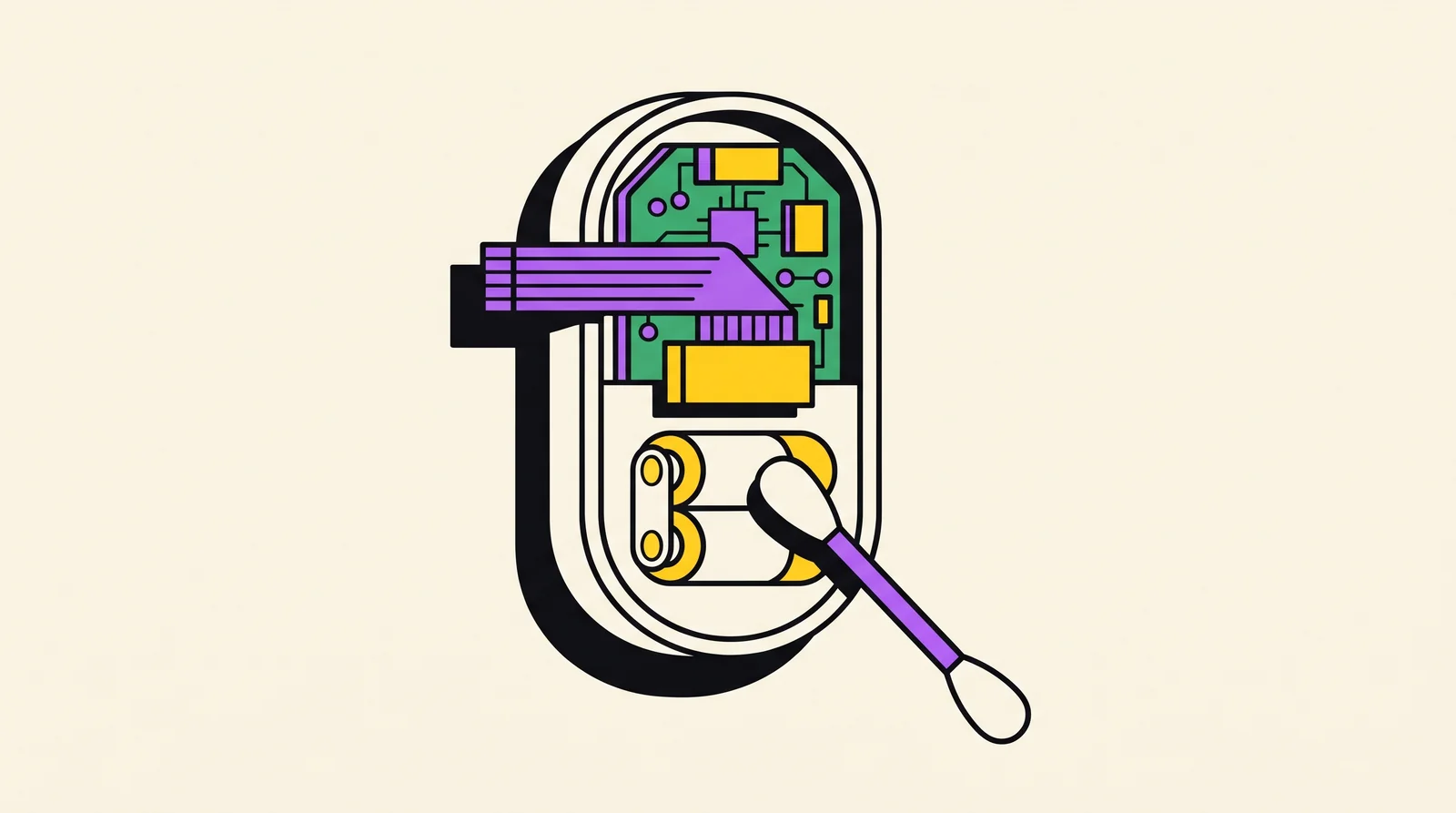
- Take off the interior cover as shown in your lock’s installation guide, so you can see where the keypad cable connects.
- Push the connector in firmly. Avoid tugging the cable or forcing it.
- Examine the battery contacts. Use a dry cotton swab to clean them. Inspect the battery connector for a bent prong.
- Check for a damp appearance or green or white crust. That suggests moisture or corrosion.
- Reinstall the battery and test.
Stop if you notice corrosion on the circuit board. Check out the “if nothing worked” section below.
Rule out cold, moisture and old firmware
Easy · 10 minLow temperatures can cause a lock to react slowly. Cold temperatures weaken batteries, and the door and frame may shift just enough to make the bolt rub.
- When your lock fails only during cold mornings, swap in a new battery and check it again at that same hour.
- Inspect the keypad’s exterior for moisture, ice, or condensation. Allow it to dry before you test.
- On connected models, open the Schlage app and look for a firmware update, if it offers one.
- If the failure happens only in cold weather, next repeat the step 5 alignment fix.
Initiating a reset wipes out all user codes alongside the currently active programming code. Customer Service cannot recover lost default codes. Only reset if you have the default programming and user codes from the Programming Guide or the back of the keypad. A reset won’t fix a binding bolt either.
Factory reset the keypad as a last resort
Advanced · 10 minProceed with this action solely when steps 1 through 7 prove unsuccessful and you possess the default codes. Once the reset is done, you’ll need to set up your programming code and every user code again.
- Consult the reset procedure for your specific model in the Schlage BE365 manual or Schlage’s Knowledge Center. For the BE365, disconnect the battery, press and release the “Schlage” button, then reconnect the battery within 10 seconds and press and hold the “Schlage” button until it lights green and the lock beeps.
- Key in the factory programming code, then set up a personal one.
- Restore your user codes one at a time. Try each one out while the door is open.
On first contact the keypad illuminates, your code functions on the initial try, and the deadbolt extends and retracts while the door stays shut. Run it through three consecutive tests, including one from the exterior.
If nothing worked
Reach out to Schlage support via the Schlage contact page (new tab), which provides the phone number, online form and email for residential assistance. Get in touch if the keypad remains dark despite a new battery, if corrosion is visible, or if the cam appears stuck. Your lock might fall under warranty coverage.
Have ready:
- The model number or name (on the box or the lock)
- The hue of the light and the number of times it flashes
- What you have already attempted, like a new battery or a reset
- The date you bought it or your receipt
Frequently Asked Questions
Why is my Schlage keypad lit but the deadbolt will not move?
The electronics are probably okay. Usually, a misaligned door or frame, a dirty bolt, or an incorrectly positioned cam causes this, so clean and lubricate the bolt and check alignment (step 5). It can also be “Lock override” on a BE365.
How long should I wait after entering the wrong code on a Schlage lock?
Give it 30 seconds. When a correct code works only after a pause, too many incorrect codes were entered.
How do I open a Schlage keypad lock if the battery is dead?
If your lock has a keyway, use the key, or have someone let you in. With a connected model, the app is able to unlock the door as long as it retains power and connectivity. Since the battery is on the inside, you must be inside to change it.
Will a factory reset delete my Schlage codes, and where are the default codes?
Yes. Performing a reset will wipe out all of your user codes and the programming code you have set up. The factory-set codes appear in the Programming Guide or behind the keypad, and Schlage Customer Service is unable to recover them.
Does the Schlage keypad lock still work if the Wi-Fi or app is down?
Since codes are stored in the lock, the keypad should still work. Unlocking remotely and using app functions require that link. When a hub or alarm system is part of the setup, Vivint door lock troubleshooting addresses the hub side.
Written with AI assistance. Facts and sources are checked automatically before publication. How we work